 Popular
Solidworks Essentials for Parts and Assemblies
View Curriculum
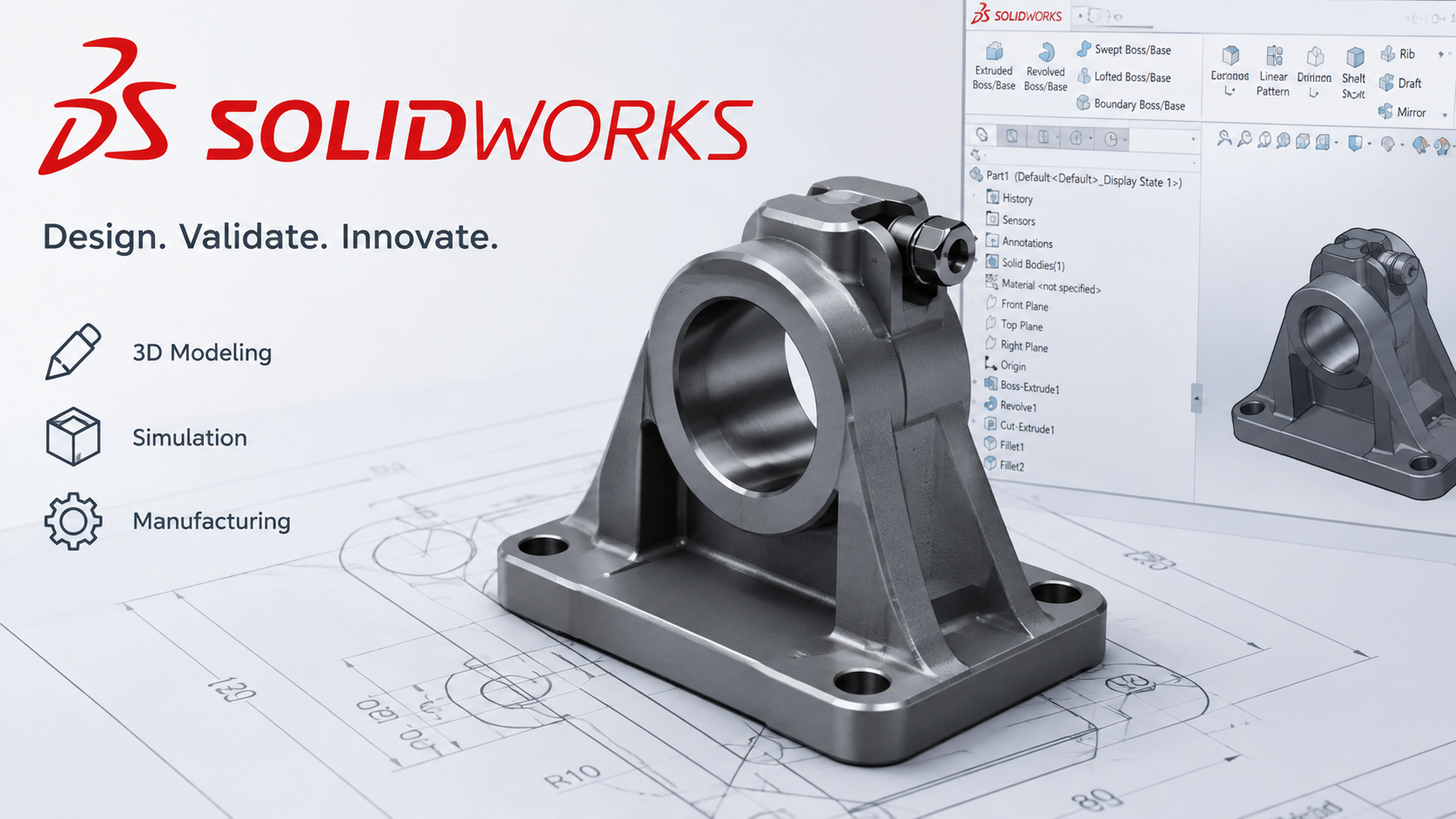
Build practical expertise in 3D modelling, mechanical design, and engineering drawings with hands-on projects and expert-led SolidWorks training.
 30884 Learners
 4.9/5 Stars
 4.7/5 Stars
Explore our Solidworks certification courses.
Popular
 Popular
Talk with a learning advisor to explore the paths, scholarships, and placement support we offer.
Benefits from Solidworks training.

Why Solidworks is a smart career move
From automotive engineering to industrial machinery and product development, businesses need skilled professionals who can turn design concepts into functional products. 3D CAD tools like SolidWorks play an important role in designing, testing, and developing mechanical components before they reach production. Professionals with SolidWorks skills can create detailed 3D models, develop complex assemblies, and prepare engineering drawings used in manufacturing. Learning SolidWorks helps you build practical design capabilities, strengthen your technical profile, and explore career opportunities in mechanical design, product development, and manufacturing. Industry snapshot: SolidWorks These statistics can work well as visual highlights beneath the industry overview:
SOLIDWORKS users worldwide, including designers, engineers, and makers
companies use SOLIDWORKS for product design and development
SOLIDWORKS job listings in India, based on a LinkedIn snapshot from July 2025
projected growth in US mechanical engineering employment between 2025 and 2035
This course is designed to help learners understand SOLIDWORKS tools, workflows, and practical design techniques used in mechanical and product design.
Students, engineers, designers, technicians, freelancers, and professionals who want to build or improve their 3D CAD design skills can join the course.
No prior experience is required for beginner-level training. However, basic computer skills and an interest in design or engineering are helpful.
The course includes sketching, part modeling, assemblies, drawings, dimensions, mates, configurations, sheet metal basics, and exam preparation, depending on the training level.
Yes, the course can be structured for beginners, starting from the SOLIDWORKS interface and basic sketching before moving into advanced modeling tools.
The duration of the bootcamp is 5 hours.
The course may be offered online, in person, or in a hybrid format, depending on the training provider and student preference.
Having your own laptop or computer is recommended so you can practice regularly outside class and complete assignments more effectively.
Some training providers offer one-on-one support, private mentoring, or personalized exam preparation as an additional service.
Batch changes may be possible depending on seat availability, schedule, and the training provider’s policy.
Yes, SOLIDWORKS offers official certification exams such as CSWA, CSWP, and CSWE to validate different levels of CAD skill.
Beginners should usually start with the CSWA, while users with more experience can prepare for the CSWP or advanced certification exams.
Yes, a beginner or associate-level course can help prepare students for the CSWA exam as it covers topics like part modeling, assemblies, and drawing skills.
A professional-level course can help prepare students for the CSWP exam by focusing on advanced part modeling, configurations, design intent, and assemblies.
Practice exams or sample-style exercises should be included to help students understand the exam format, timing, and question types.
Students may receive class notes, practice drawings, modeling exercises, project files, assignments, and exam preparation resources.
Students should practice regularly until they can model accurately, manage time effectively, and confidently solve exam-style design problems.
Important skills include sketching, feature creation, modifying parts, applying materials, measuring mass properties, building assemblies, and interpreting technical drawings.


Compare SolidWorks vs AutoCAD to see which CAD software boosts your 3D design career, salary potential, and job
Advance your CAD career. Learn the exact SolidWorks certification cost, exam fee structures, and how to access free
Get ready to pass your SolidWorks certification exam. Learn top study strategies, boost your CAD skills, and accelerate
Still have questions? Schedule a free counselling session
Our experts are ready to help you with any questions about courses, admissions, or career paths. Get personalized guidance from industry professionals.

Live online and classroom certification training. Get certified in PMP, Agile, cloud, cybersecurity, AI and more.
Subscribe to our newsletter for the latest updates on certifications and training opportunities.
Search iCertGlobal for certifications, courses and articles.

"PMI®", "PMBOK®", "PMP®", "CAPM®" and "PMI-ACP®" are registered marks of the Project Management Institute, Inc. | "CSM", "CST" are Registered Trade Marks of The Scrum Alliance, USA. | COBIT® is a trademark of ISACA® registered in the United States and other countries.